
Scheduling and dispatch: the whole day on one board
A service business runs at the speed of its board. Tryoup shows every engineer, every job and every gap in one view, so the person running the day can see what is happening without ringing anybody.
- Drag-and-drop board across all engineers
- Live job status from the mobile app
- Route planning that cuts unpaid driving
- Automatic on-the-way messages to customers
One screen for the day
Jobs, engineers, time windows and travel all sit on a single board. Moving a job is a drag, and everyone affected — engineer and customer — is told automatically.
- Day, week and engineer views
- Colour-coded status: booked, travelling, on site, complete
- Gaps visible so you can fill them while the caller is still on the phone
Recurring and contract work
Planned maintenance, cleaning rotas, bait-station rounds and annual services generate themselves on schedule, so recurring revenue does not depend on anyone remembering to book it.
- Repeat schedules of any pattern
- Contract visits generated ahead of time
- Renewal and service reminders sent automatically
Routes that respect the map
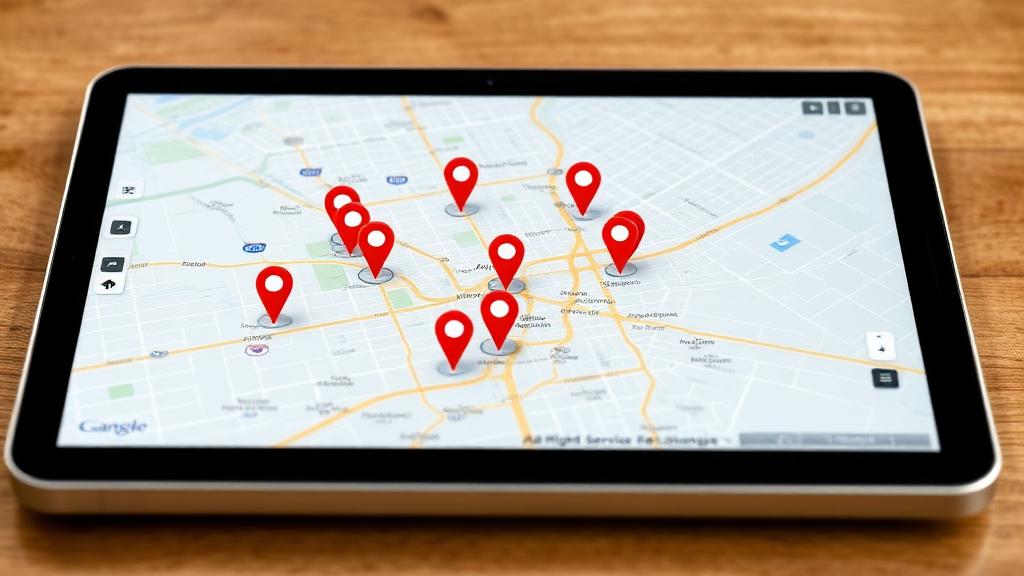
Sequencing a day geographically saves fuel and buys back time that can be sold. The board suggests a sensible order and shows the effect of squeezing an extra job in.
Customers who are not left guessing
Confirmation when the job is booked, a reminder the day before and an on-the-way message with a realistic arrival time. Most no-shows and most complaints are simply an information problem.
- Booking confirmations and reminders
- On-the-way notifications
- Digital job sheets and signatures on completion
Frequently asked questions
- Can engineers see only their own work?
- Yes. Permissions decide whether an engineer sees just their day, their team, or the whole board.
- Does it work offline?
- The mobile app keeps working in poor signal — basements, plant rooms, rural jobs — and syncs when the connection returns.
- Can I plan several weeks ahead?
- Yes. Contract and planned maintenance work can be scheduled as far out as you need, alongside day-to-day reactive jobs.
Keep reading
Related features and guides
- Locksmith software
- Plumbing software
- Heating engineer software
- Electrical contractor software
- All 16 trades we cover
- AI DispatcherLet the board suggest who takes each job.
 Reduce no-shows with automated reminders
 Recurring revenue from planned maintenance contracts
- Invoicing and paymentsFinish the job and bill it before leaving site.
- Parts delivered to the jobOrder the missing part without moving the appointment.
- Landscaping: recurring rounds that run themselves
 Window cleaning rounds and getting paid on the day
See it running on your own jobs
Book a 30-minute walkthrough and we'll set it up around the way your team already works.